Skip to content
cd ../projects
[PROJECT/04]

lazyjq

ACTIVEv0.3.0

Terminal UI to explore JSON with jq, laid out in panels like lazygit: query, suggestions, history and result always on screen. As you type it suggests the paths of the JSON, the values after a comparison and the jq functions, with the documentation of the function you are using. Filters run on jaq, so jq doesn't need to be installed. Started as a fork of jnv, install it with Homebrew.

[SCREENSHOTS]

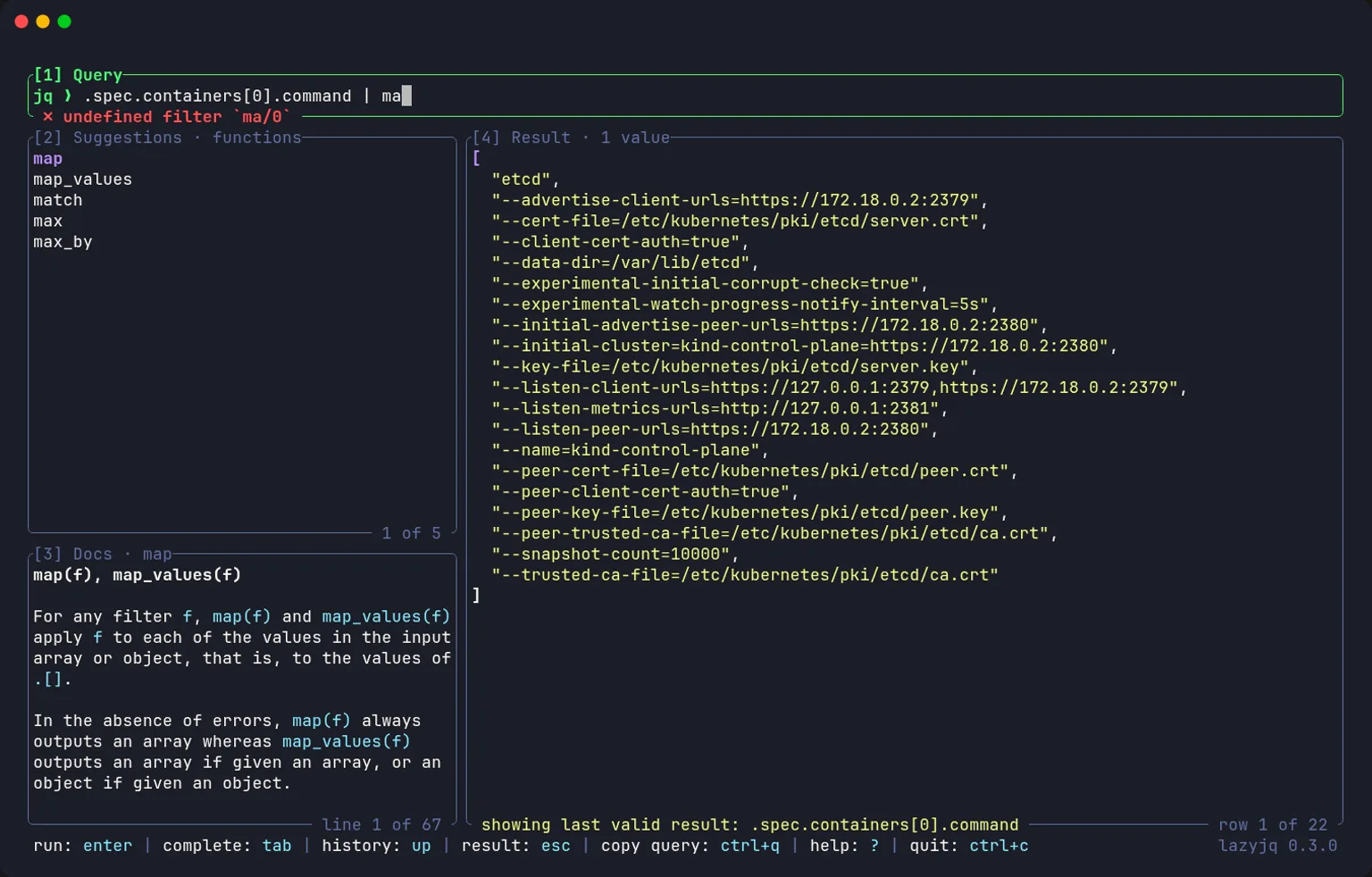
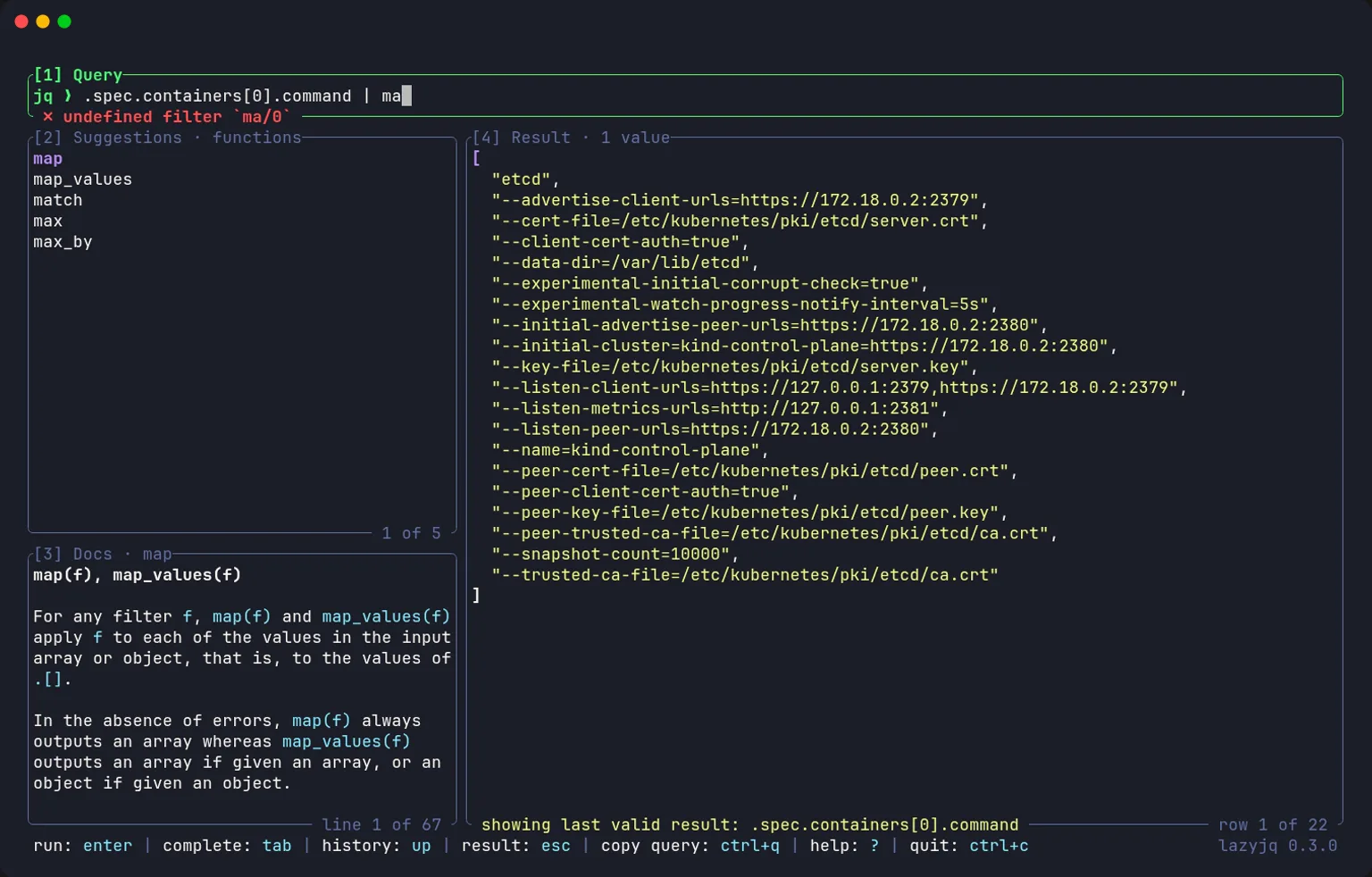
jq function suggestions for “ma”, with the documentation of map in the Docs panel
Functions and documentation
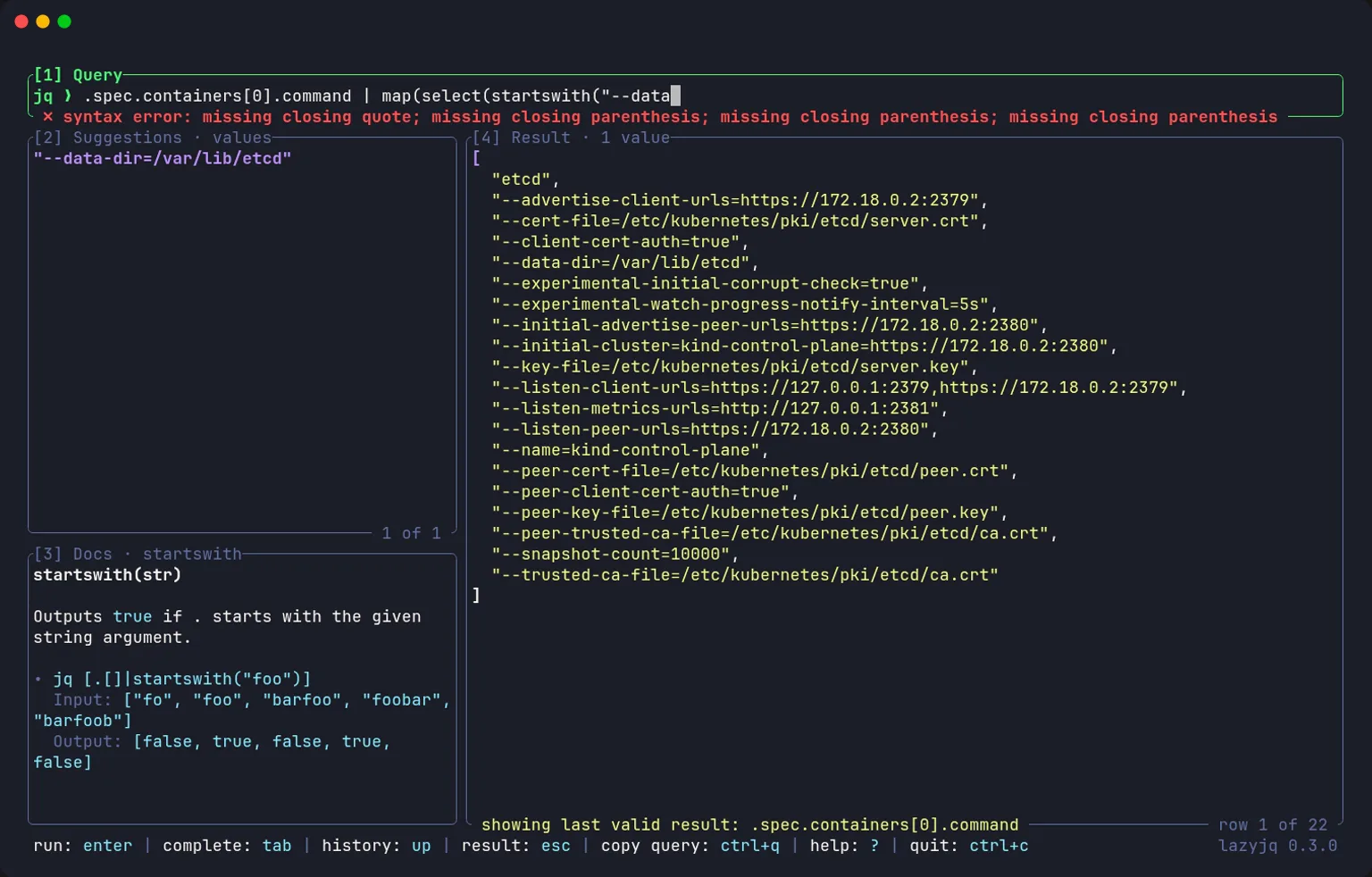
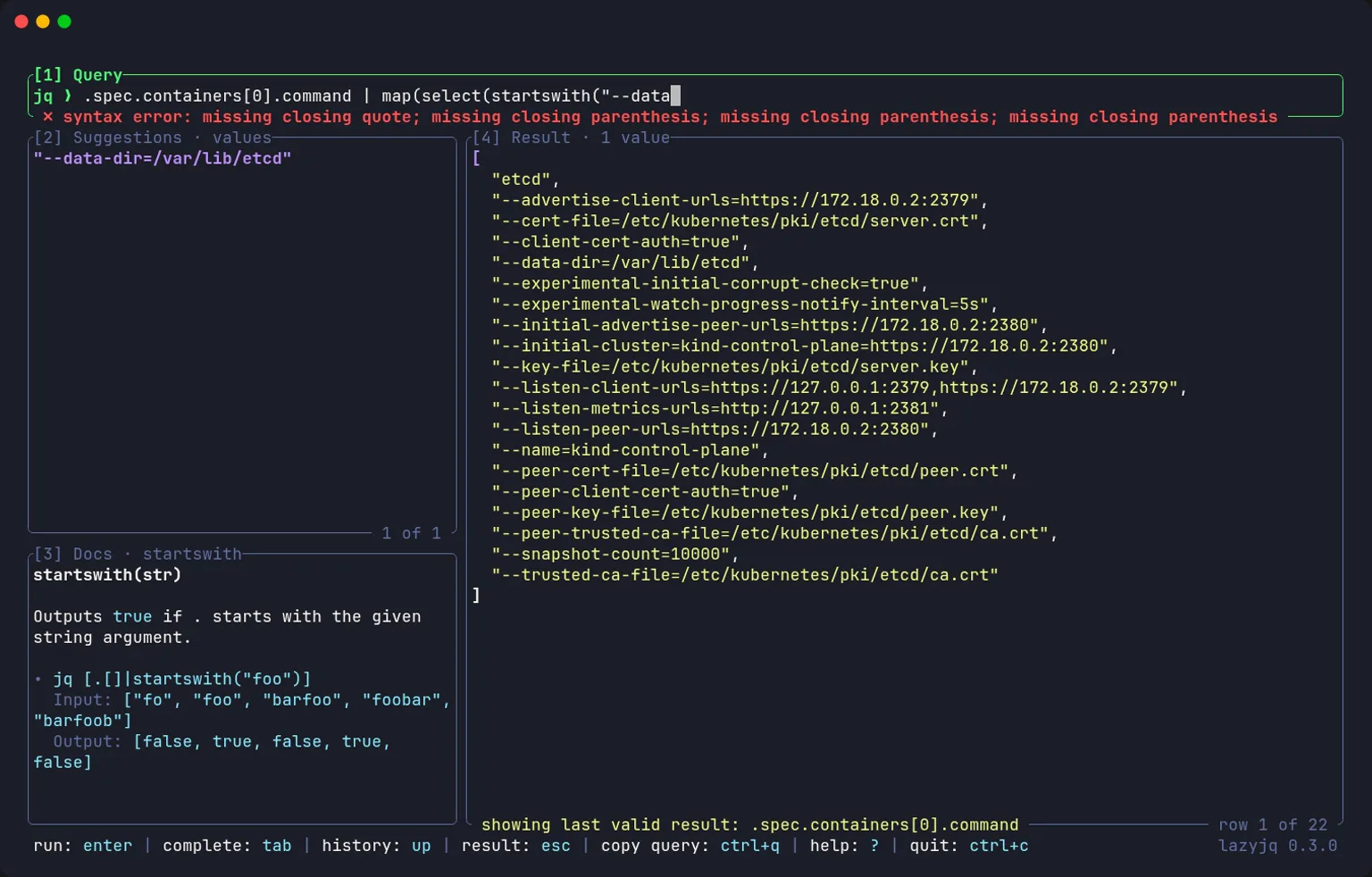
While typing the arguments of startswith its documentation stays visible and the suggestions offer the array's values
Documentation while typing
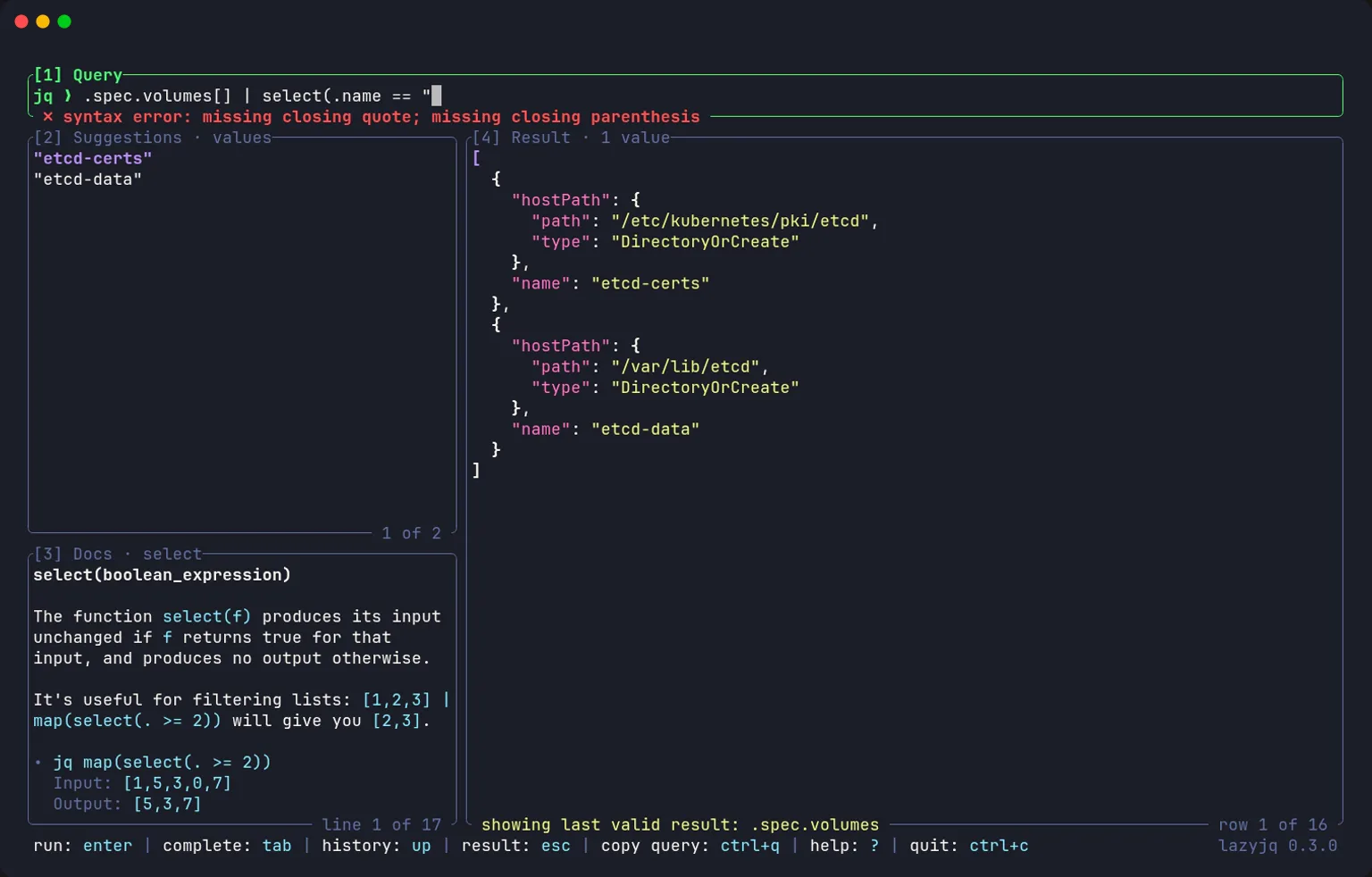
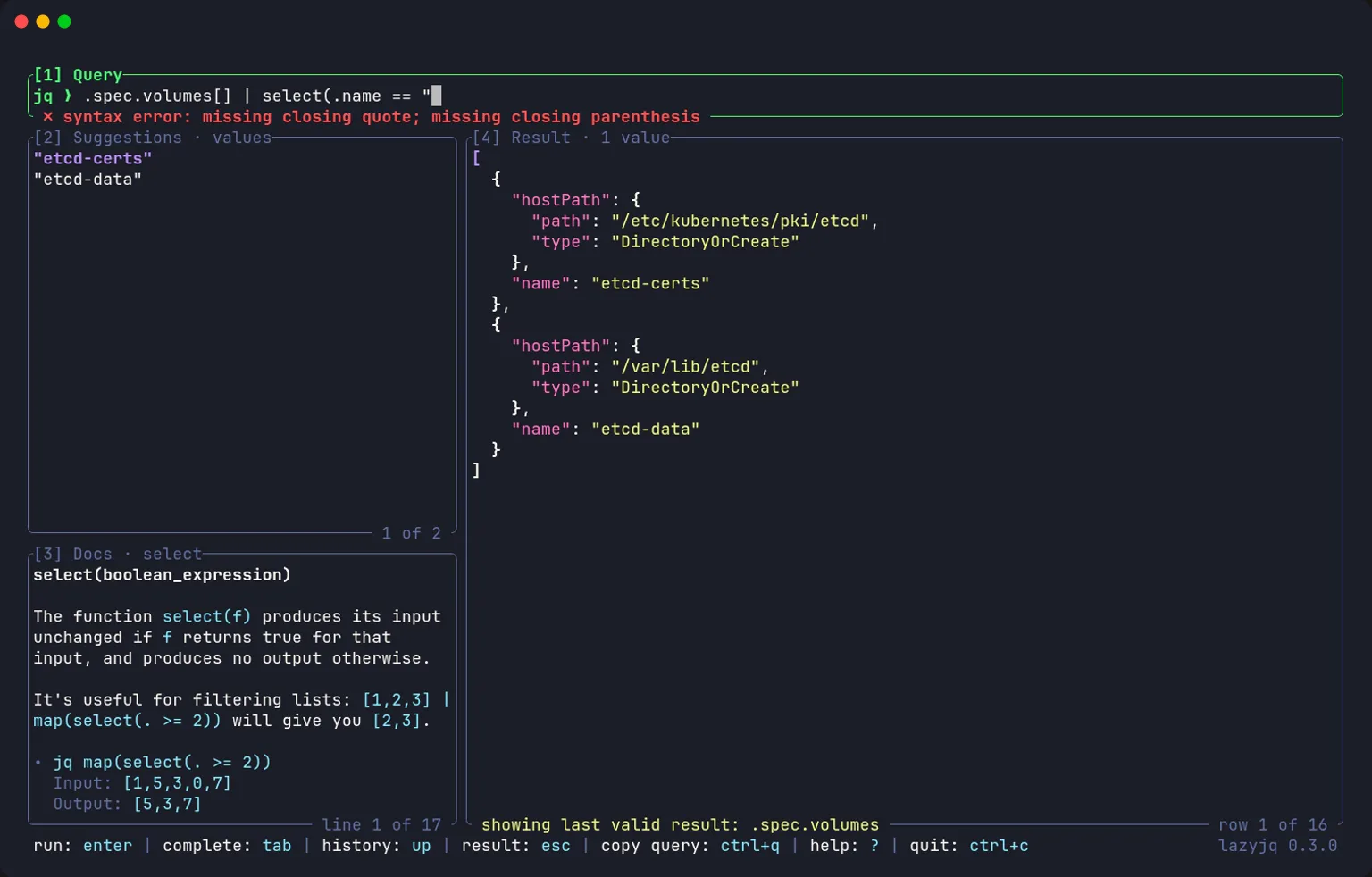
Value suggestions inside select(): the names of the Pod's volumes
Value suggestions
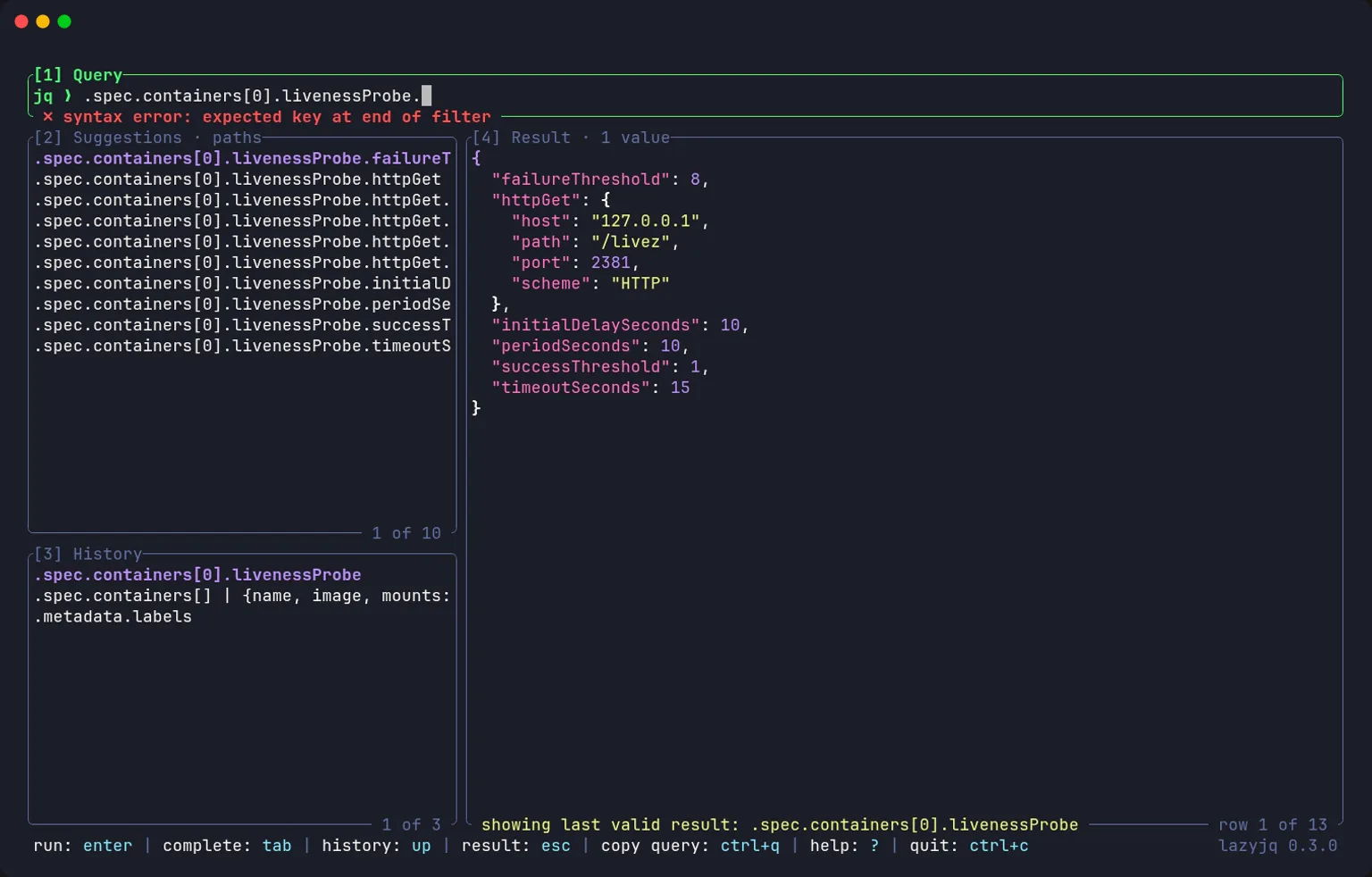
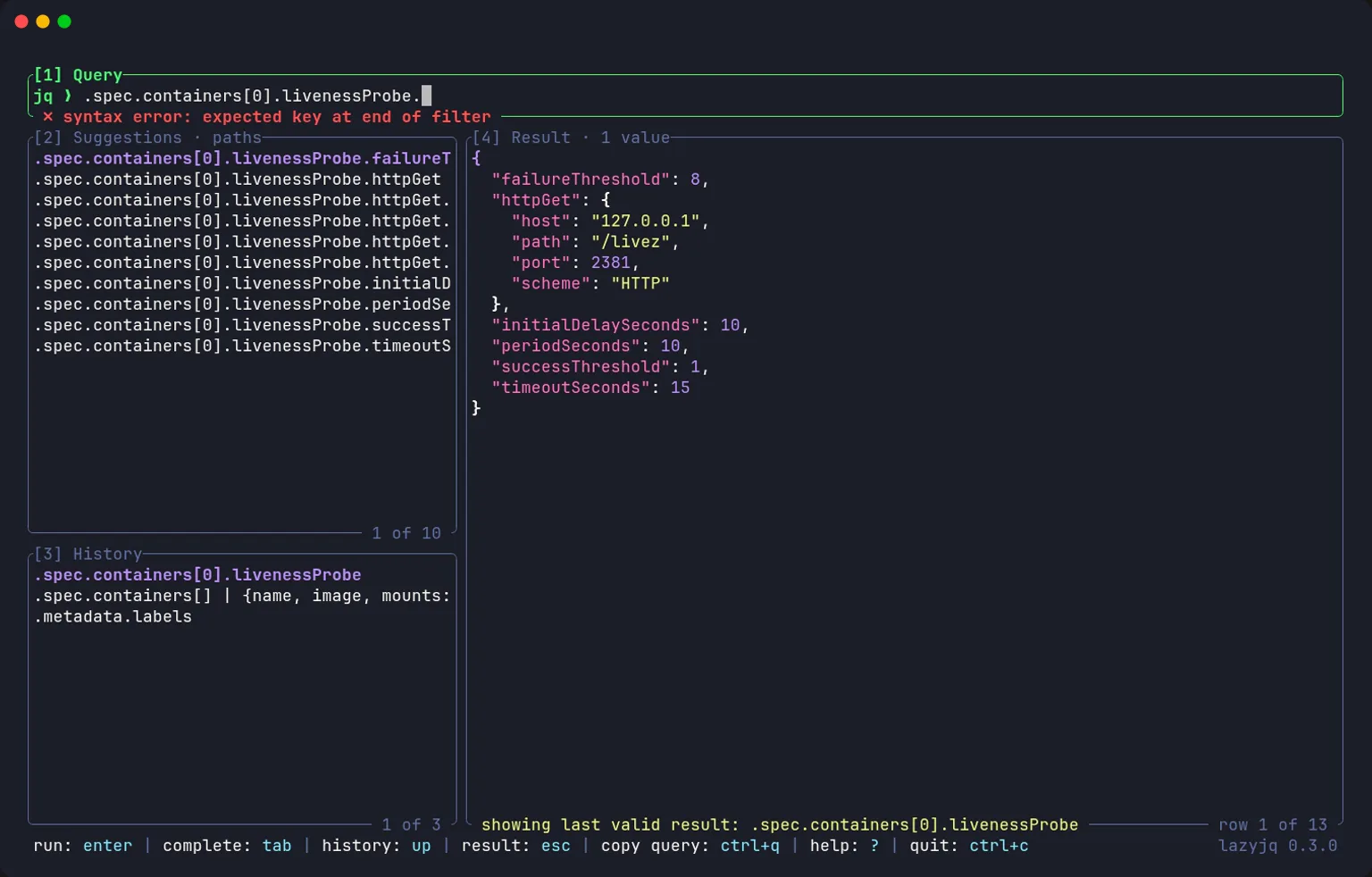
Path suggestions from a Kubernetes manifest while typing the query
Path suggestions
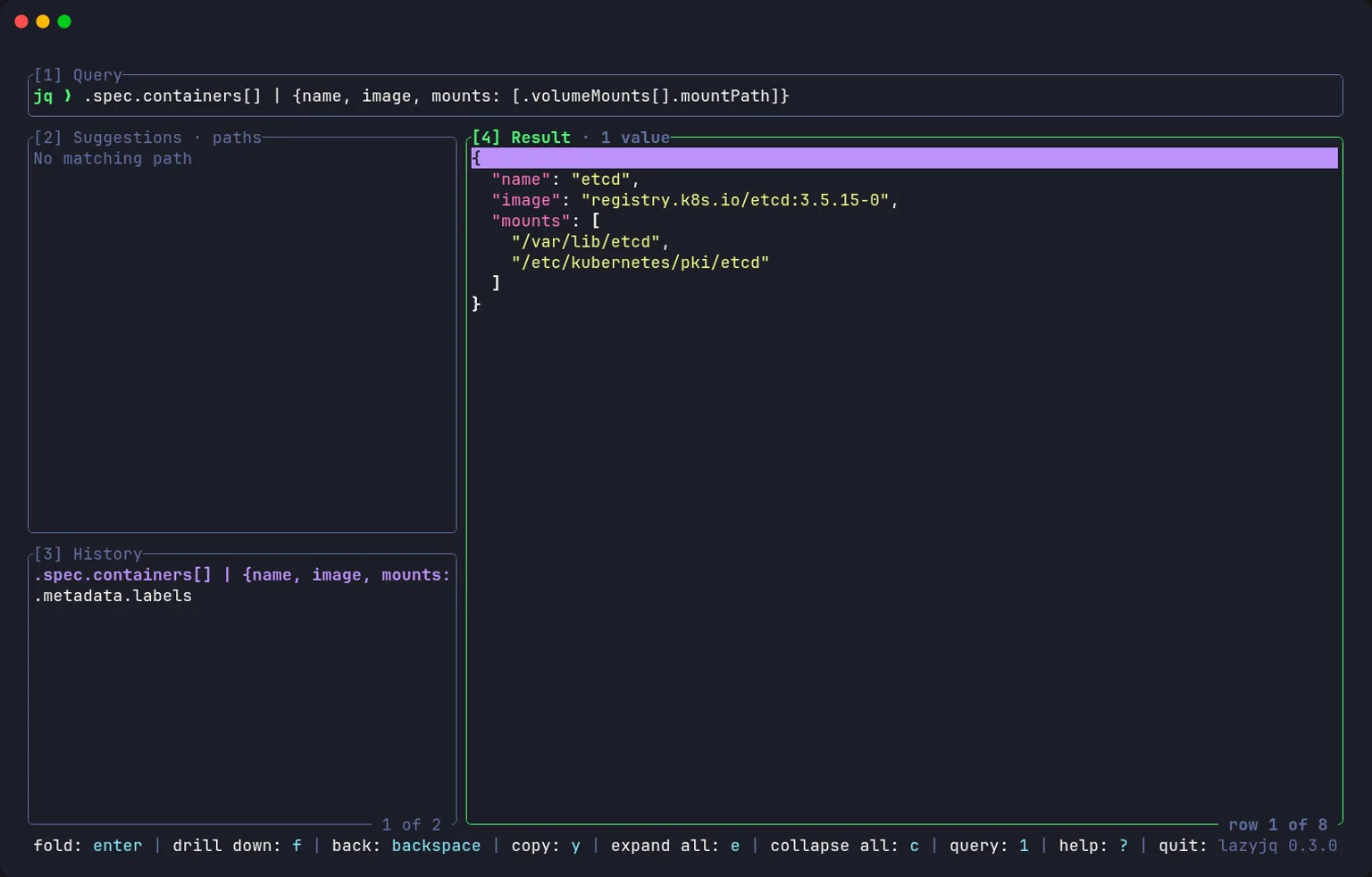
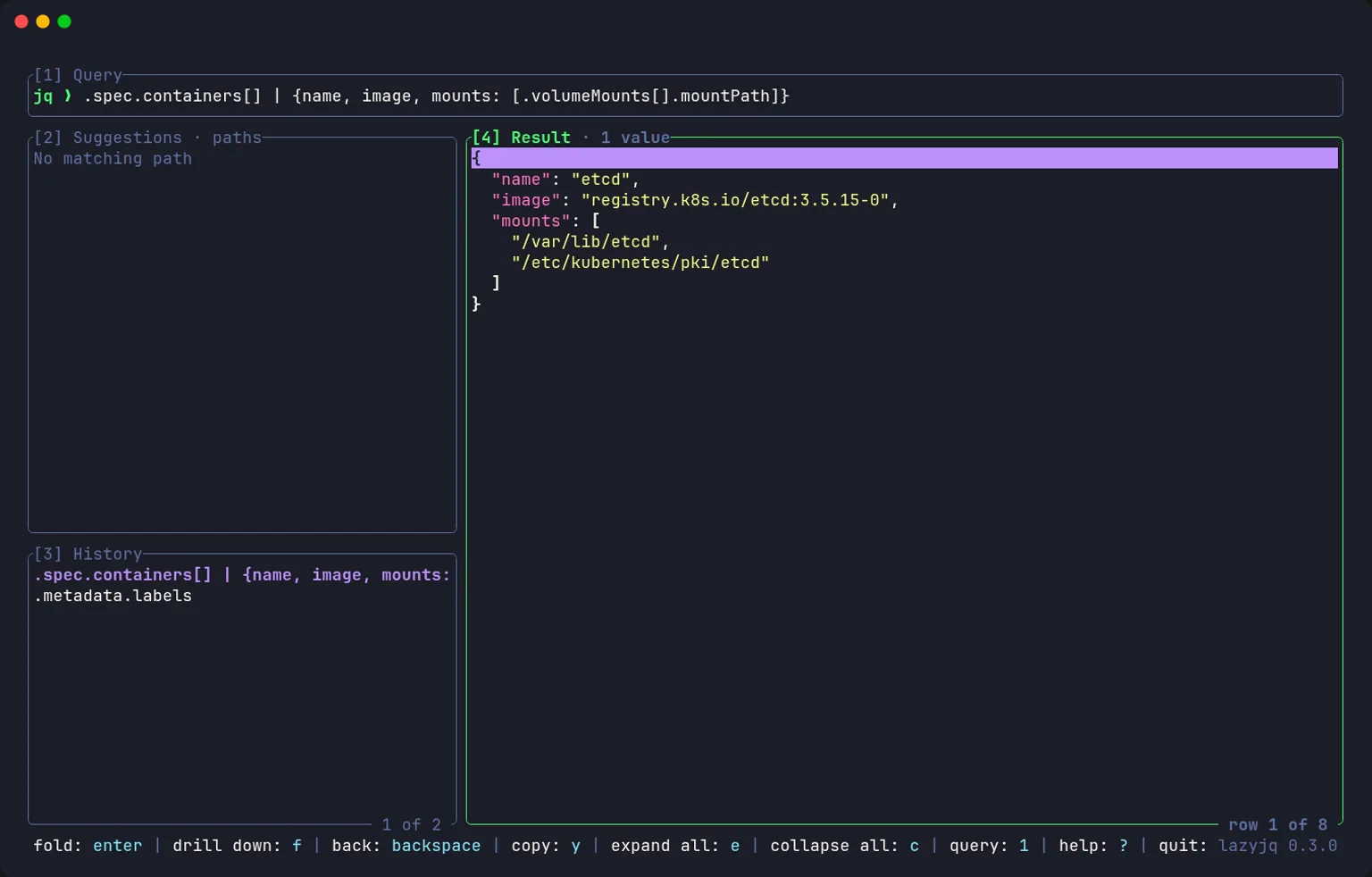
Result of a query building objects on the fly, with the history of the queries run
Query and result
Open SourceCLIjqRust